
100 Balls: Addictive Puzzle Challenge
Overview
100 Balls is a minimalist yet challenging puzzle game designed to test players' reflexes and strategic thinking. The core mechanic revolves around guiding falling balls into rotating cups positioned around a central funnel. Players tap the screen to release balls, aiming to fill cups efficiently before they vanish. The game’s simplicity belies its depth, as each level introduces increasing complexity through faster rotations and dynamic cup placement. The objective is to maximize points by filling cups—especially colored ones—while avoiding missed placements, which permanently remove cups from play.
Targeted at casual gamers and puzzle enthusiasts, 100 Balls offers a quick, engaging experience suitable for short breaks or longer sessions. Its low barrier to entry makes it accessible to players of all ages, while the escalating difficulty ensures sustained engagement. The game’s design emphasizes rhythm and precision, creating a meditative yet intense atmosphere. Real-world usage scenarios include stress relief, cognitive training, and casual entertainment during downtime.
Developed by Jolly Games, the title reflects a focus on clean mechanics and intuitive gameplay. The developer did not provide additional background details beyond the release information. Despite its minimalistic aesthetic, the game delivers a compelling challenge that rewards focus and adaptability.
Key Features & Capabilities
- Dynamic Cup Rotation: Cups continuously spin around a central funnel, requiring players to time their taps precisely to match cup alignment with falling balls.
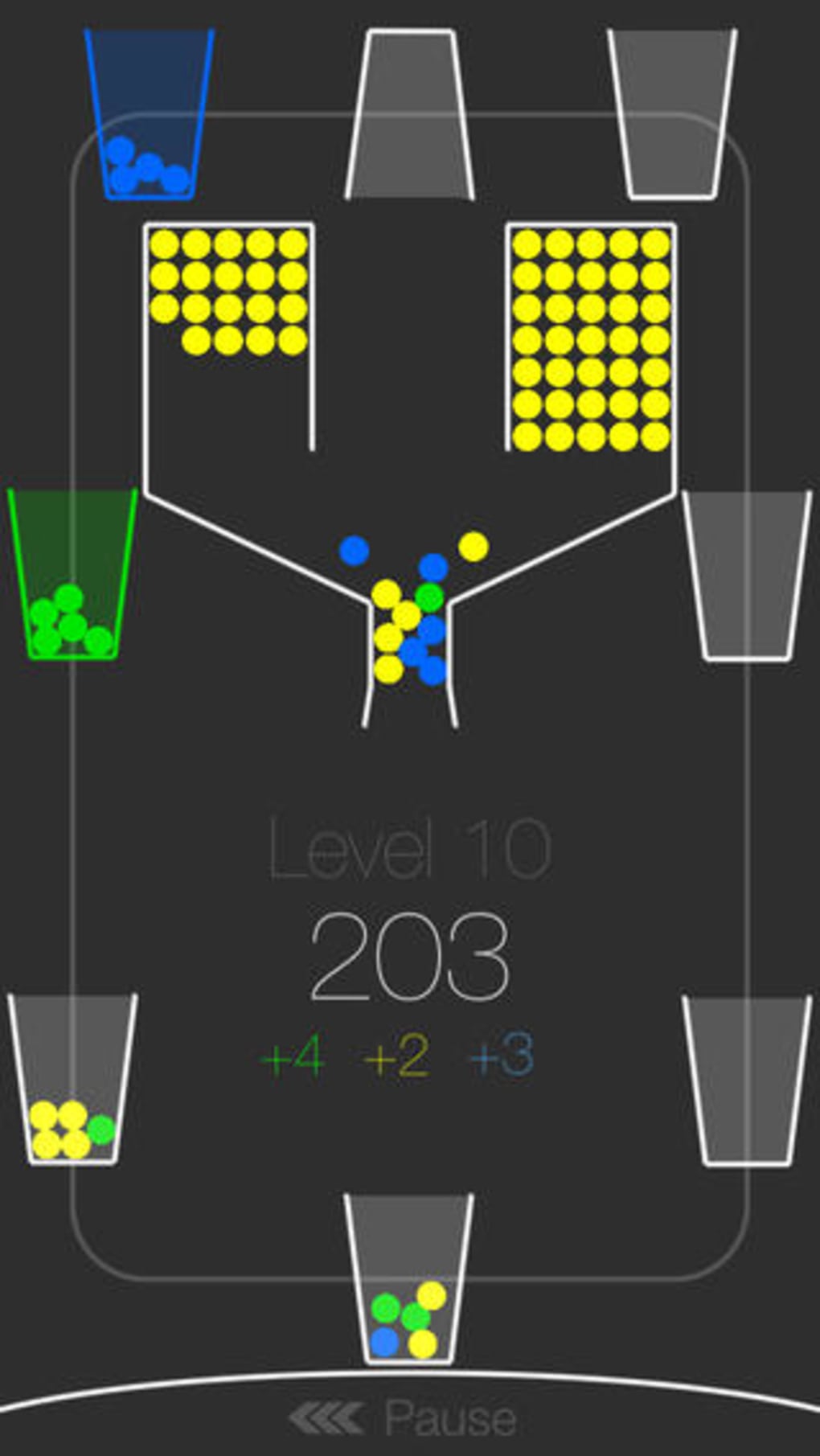
- Scoring System: Points increase with each filled cup, with bonus points awarded for colored cups, encouraging strategic prioritization.
- Progressive Difficulty: The game gradually intensifies by increasing rotation speed, reducing cup dwell time, and introducing unpredictable patterns.
- Endless Gameplay Loop: The game continues until all balls are used or no cups remain, promoting replayability and long-term engagement.
- Simple Input Mechanism: Single-tap controls eliminate complexity, allowing seamless interaction on both touch and mouse-based systems.
Players can use the scoring system to develop strategies—such as targeting colored cups early or conserving balls for high-value placements. The rotating mechanics simulate real-time decision-making, making each session a unique challenge. This design suits users seeking mental stimulation without the need for extensive tutorials or complex interfaces.
User Interface, Workflow & Performance
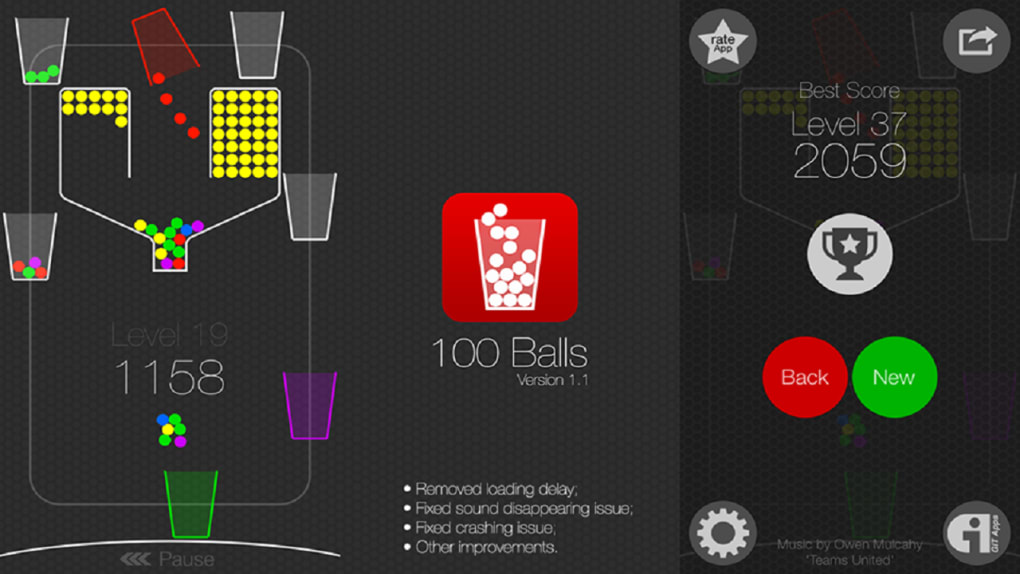
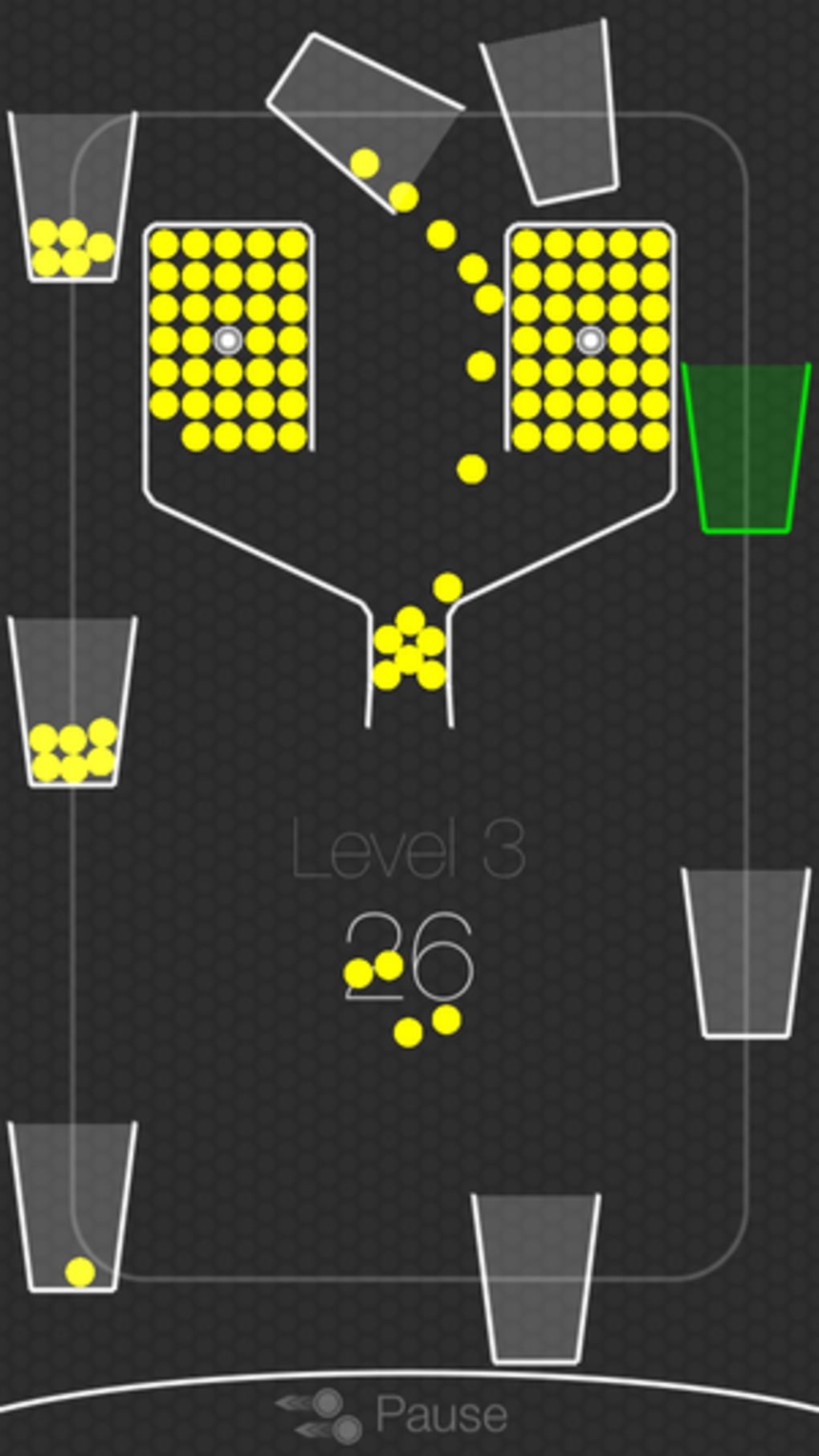
The user interface of 100 Balls is clean and minimal, focusing entirely on gameplay. The central funnel and rotating cups are visually distinct, with clear color differentiation between standard and special cups. The ball-fall animation is smooth, with consistent timing that supports predictable rhythm-based play. Navigation is intuitive: players only need to tap to release balls, with no additional menus or settings during active gameplay.
Workflow efficiency is high, as the game eliminates unnecessary interactions. The focus remains on timing and spatial awareness, allowing for uninterrupted engagement. The developer did not specify resource usage details, but the 38.2 MB file size suggests lightweight performance. Based on general software behavior patterns, the application likely maintains low CPU and RAM usage, ensuring stable operation across various systems.
Stability appears improved with the latest update, which fixed a known crashing issue. No further performance anomalies were reported. The game runs without visible lag during normal play, though prolonged sessions may be affected by the persistent synthesizer soundtrack, which some users find distracting over time.
Compatibility & System Requirements
100 Balls is available for both Windows and Mac operating systems, making it accessible to a broad desktop user base. The software version is 1.0.1, indicating a stable release with recent improvements. The installation size is 38.2 MB, which is compact and suitable for systems with limited storage.
Exact system requirements were not listed. Compatibility information was partially provided, with no mention of minimum processor speed, RAM, or graphics capabilities. The developer did not specify whether the game supports touch input or requires a specific display resolution. Platform compatibility is confirmed only at a high level—Windows and Mac users can install and run the application without reported incompatibility.
Pros and Cons
Pros
- Simple, intuitive controls ideal for quick play sessions
- Engaging, rhythm-based gameplay that builds strategic depth
- Compact file size (38.2 MB) ensures fast installation
- Free to download and use with no in-app purchases
- Fixed crash issue in version 1.0.1 improves stability
Cons
- Repetitive synthesizer soundtrack may become irritating over time
- Limited visual feedback beyond cup filling and scoring
- No customization options for music or difficulty settings
- Exact system requirements not specified
- Minimalist design may lack appeal for users seeking rich graphics
FAQ Section
Is 100 Balls available for both Windows and Mac?
Yes, 100 Balls is compatible with both Windows and Mac operating systems as confirmed by the developer.
Is the game free to download?
Yes, 100 Balls is available at no cost. There are no in-app purchases or subscription fees.
Does the game require an internet connection?
Based on the available information, 100 Balls operates as a standalone desktop application and does not require an active internet connection for gameplay.
How often are updates released?
The latest version is 1.0.1, released on August 2, 2024. The developer has addressed at least one critical issue in this update, suggesting regular maintenance.
Can I play 100 Balls offline?
Yes, the game functions entirely offline. It is a self-contained desktop application that does not rely on online services.
Final Thoughts
100 Balls delivers a focused, rhythm-driven puzzle experience that stands out in a crowded genre. Its minimalist design, combined with escalating difficulty and satisfying scoring mechanics, makes it a compelling choice for casual gamers and puzzle lovers alike. While the repetitive soundtrack may not appeal to everyone, the core gameplay remains consistently engaging and mentally stimulating.
With a lightweight footprint, free access, and a stable release, the game offers excellent value. It’s particularly well-suited for users seeking a short, immersive break or a brain teaser during downtime. The recent fix to a crashing issue enhances reliability, making it a dependable option for regular play.
For those who enjoy simple mechanics with deep strategic potential, 100 Balls is a must-try. Download 100 Balls now.







